
An outfit and set designer for the whole production
Wardrobe, locations and props live beside your cast in the studio. Each one is an image that can ride along with a render as a reference, so the coat, the room and the letter on the table look the same every time they appear.
Build a wardrobe per character
Generate three or four ghost-mannequin outfits for each lead, named by occasion. 3 credits apiece, or upload your own garment images.
Create or choose locations
Pick from the twelve presets or describe a set of your own, including light and time of day. Keep faces out of any upload.
Add the props that matter
Generate the objects the story turns on: a key, a letter, a trophy. Props attach to a character inside a scene.
Pair everything in the composer
For each cast member in the scene, choose outfit and prop; choose the location once. Check the reference count stays at 9 or under.
Three departments, one reference system
Outfits, locations and props are stored separately but behave the same way: each is an image that can be attached to a scene and sent to the video model as a reference. A scene with Wren in her courier jacket, standing in the night-train sleeper, holding a sealed envelope, would attach four references: her portrait, the jacket, the sleeper and the envelope.
Every item costs 3 credits to generate. Uploads are free. The 9-reference cap per render is shared across all departments, so a crowded three-person scene with full wardrobe might need you to drop a prop or two.
Generated versus uploaded
Generating an outfit from text is the quickest path when you know what you want in words: "a camel overcoat with a frayed left cuff, worn open over a grey roll-neck". The generator returns a clean product-style image ready to be used as a reference.
Uploading suits people who already have a design, a sketch or a photograph of a garment on a stand. Uploads are checked on the way in, and any image containing a face is refused. That rule applies to outfits, locations and props alike, so a photo of a jacket on a person will not go through, while a flat-lay or a mannequin shot will.
Locations can be uploaded too, which is handy for a drawn floor plan or a mood image of a room you have in mind. The same no-faces check applies, so street scenes with passers-by need to be cropped or generated instead.
Ghost-mannequin outfits as references
The most reliable outfit reference is the ghost-mannequin style: the garment shown as if worn, with no body visible inside it. The video model reads it as clothing rather than as a second character, which keeps it from trying to insert another person into the shot. Generated outfits default to this presentation.
If you upload, aim for the same thing. A garment on a hanger or a flat-lay works, though a ghost-mannequin image gives the model a better sense of drape and fit. Avoid busy backgrounds; the reference should be about the cloth.
Pairing outfits per scene
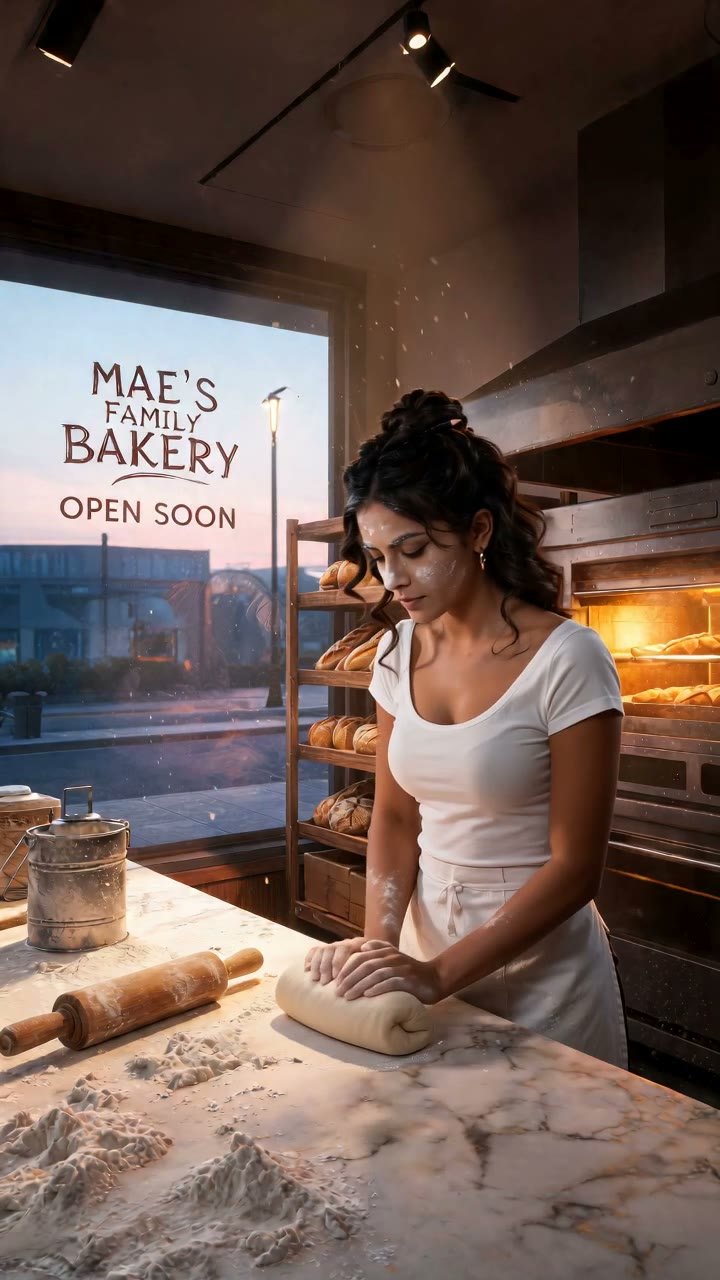
Outfits are not welded to characters. When you add a cast member to a scene, you pick which outfit they wear from the wardrobe for that scene only. Marisol can be in her bakery whites at dawn and in an evening dress in the opera box that night, and both are the same Marisol because the portrait is constant.
The practical workflow is to build a small wardrobe per character, three or four looks, and name them by use: "Marisol kitchen", "Marisol evening", "Marisol travel". Then the scene composer becomes a call sheet where you pick the look that fits the moment.
Props follow the same per-scene pairing. A prop is attached to a character within a scene, so the letter Hollis is holding in one episode can be in Sigrid's hands in the next.
Locations as a reference image
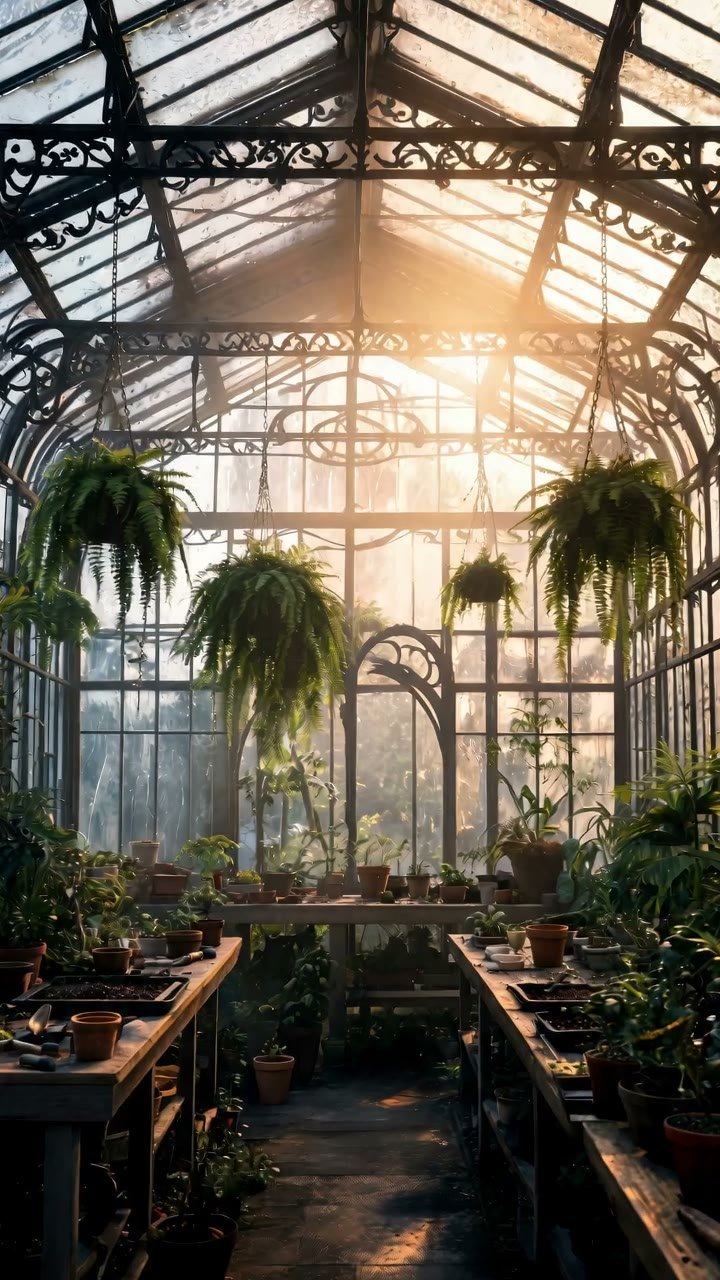
Twelve preset locations ship with the studio, from the lighthouse keeper's room to the underground jazz club. Each is a generated image that becomes the set reference when chosen. The model uses it to hold architecture, furniture, palette and light, so the greenhouse at dawn stays the same greenhouse across a run of scenes.
Generate your own locations the same way you generate outfits: describe the room, the time of day, the light and two or three objects that define it. Keep people out of the description; the cast will arrive with the scene.
The world bible's era and setting fields are appended to every prompt, so a location you generate while the bible says 1930s Lisbon will be rendered to match, and the scene will keep matching later.
Questions people ask
Can I upload a photo of clothing?+
Yes, as long as nobody's face is in it. A garment on a mannequin, a hanger or a flat surface passes; a photo of someone wearing it is refused.
What is a ghost-mannequin outfit?+
An image of a garment shaped as if worn but with no body or face visible. It is the default output for generated outfits and the best format for uploads, because the model treats it as clothing rather than as a person.
Does a character have to wear the same outfit in every scene?+
No. Outfit is chosen per scene from the wardrobe. The face stays constant through the portrait; the clothes are whatever you pair for that moment.
Are the outfits and sets I design mine?+
How much do outfits, locations and props cost?+
3 credits each to generate. Uploading is free. Attaching them to a scene costs nothing beyond the scene's own per-second price.
Can I use a location from the preset list and then change it?+
Presets are fixed, but you can generate a variant by describing the same room with different light or furniture. The new image becomes its own location in your set list.
Dress the cast and build the set
Head to the studio, open wardrobe and locations, and give your next scene something to wear and somewhere to be.
Open the cast studio