
A drama character creator that writes the sheet with the face
Describe a person and get back a portrait plus a character sheet: personality, backstory, speaking style, and how they relate to everyone else in your troupe. Both travel with the character into every scene you render.
Write the person, not the picture
In the studio, describe age, occupation, temperament and one visible habit. The generator reads occupation and temperament most closely, so lead with those.
Generate the portrait and sheet
One 3-credit generation returns the face and the four sheet fields. Read the speaking-style line first; it has the most influence on dialogue.
Edit the sheet by hand
Sharpen the personality line, add a tell to the speaking style, and write at least two relationship notes naming other cast members.
Put them in a scene
Open the scene composer, add the character, pick a location, and write two lines of what happens. The sheet rides along without you pasting it.
Portrait and sheet are made together
Most tools stop at a picture. Here a character is two things bound to one record: a generated portrait that becomes the visual reference, and a written sheet that tells the scene model who this person is. When you type "a tired harbour pilot in his fifties who still laughs at his own jokes", the portrait carries the weathered face and the sheet carries the laugh. Neither is an afterthought.
The sheet has fixed fields so it stays usable at render time: a one-line personality summary, a short backstory, a speaking-style note, and relationship lines pointing at other cast members. You can edit any field by hand after generation. Many people rewrite the speaking-style line two or three times until the character sounds right, and that line does more work than any other.
Characters cost 3 credits to generate, which covers the portrait and the sheet. New accounts receive 2 free credits on sign-in, so the first thing to do after signing up is usually to open the studio and read through the preset troupe before spending anything.
How the speaking-style note drives dialogue
When you compose a scene, the character sheets for everyone on the call sheet are appended to your prompt automatically. That means the dialogue model sees "speaks in clipped half-sentences, never apologises directly" alongside your two lines of action, and it writes the character accordingly. You do not need to repeat the trait in the scene prompt.
A good speaking-style note is specific and short. "Formal" is weak. "Addresses everyone by surname, even friends, and pauses before saying anything kind" gives the model something to perform. The same goes for personality: a contradiction or a tell works better than a list of adjectives.
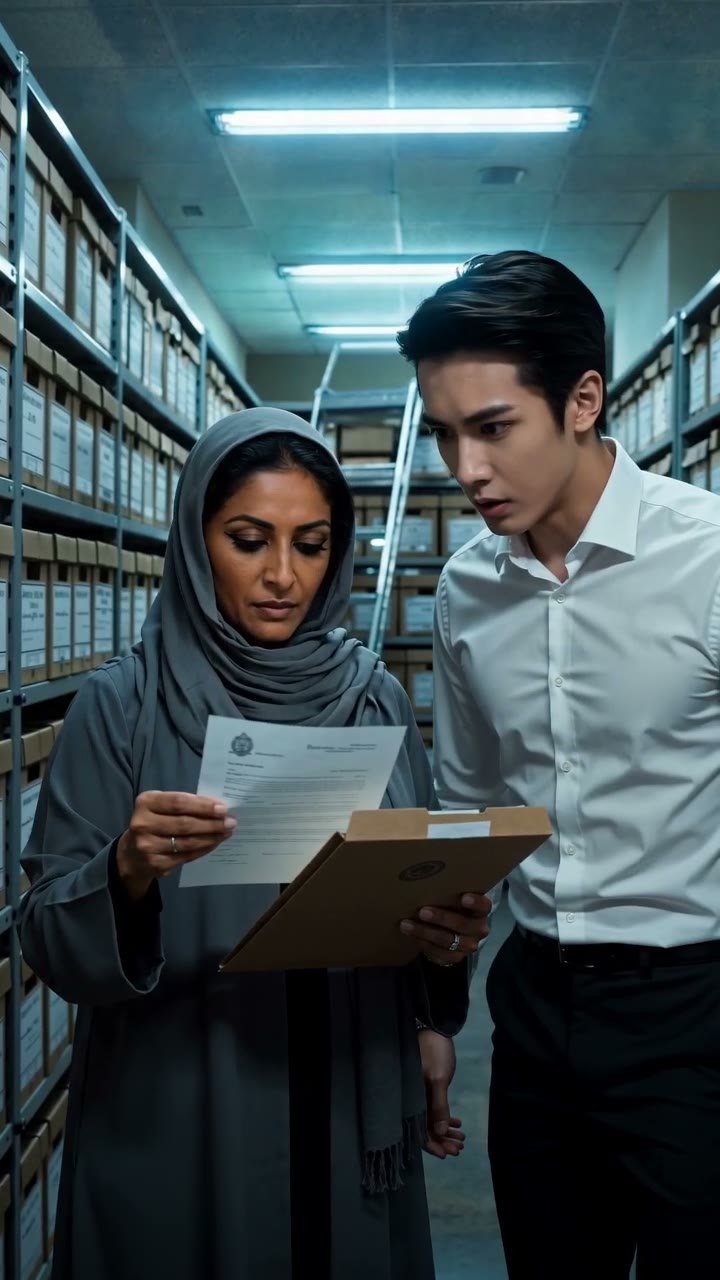
Backstory matters less for a single line and more across a series. If Ottilie's sheet says she once ruled against her own brother, a later scene set in the archive stacks can lean on that without you re-explaining it. The sheet is the memory the scene model does not otherwise have.
Why characters are always generated from text
You cannot upload a photo of a real person and turn it into a character. Every drama character on this site starts as a written description and a generated face. That rule keeps the cast library free of likeness problems and keeps the studio usable for publishing scenes to the showcase.
If you want a particular look, describe it: age range, build, hair, expression, the kind of clothes they would pick for themselves. The generator does well with occupational detail. "Forensic accountant who dresses like she is about to testify" produces a more coherent Noor than "attractive woman in a suit".
Once a portrait exists you can regenerate it for another 3 credits if the face is close but not right. The sheet is kept, so you only lose the image. Most characters land on the first or second portrait when the description is concrete.
Working from the preset troupe
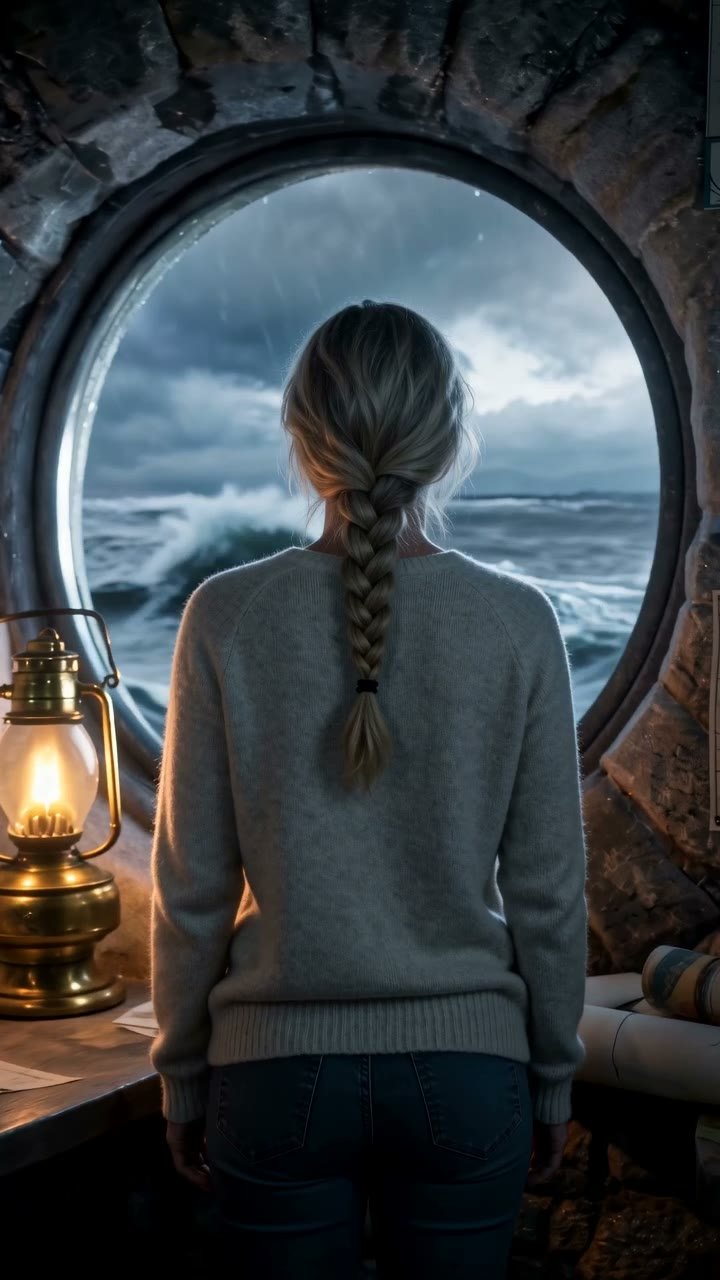
Sixteen preset characters ship with every account, each with a finished sheet: Wren the courier, Caspian the art dealer, Sigrid the lighthouse keeper, Rafael the boxing trainer, and twelve more. They are meant to be studied as much as used. Open Marisol's sheet and look at how her speaking-style line is phrased, then write yours the same way.
You can also duplicate a preset and alter it. Keep Hollis the train conductor's bearing but change his backstory, or take Delphine's sheet and attach it to a new portrait. Duplicates are your own characters from that point and show up in your cast with whatever name you give them.
Continuity starts at the sheet
Because the portrait is a reference image on every render, the face holds across scenes. Because the sheet is appended to every prompt, the voice holds too. That combination is what lets you shoot a scene in the greenhouse at dawn on Monday and a scene in the hotel rooftop pool on Thursday with the same Keiko in both.
The practical habit is to finish the sheet before the first scene, not after. A character whose relationship lines are empty will read as a stranger to everyone around them. Fill in two or three relationships, even brief ones, and the ensemble scenes will have somewhere to go.
Questions people ask
What exactly is on a character sheet?+
Four fields: a personality summary, a backstory paragraph, a speaking-style note, and relationship lines that name other characters in your cast. All four are editable after generation and all four are appended to the prompt whenever that character is in a scene.
Can I upload a photo of myself or a friend as a character?+
No. Characters are generated from text descriptions only. Uploads are accepted for outfits, locations and props, and any upload that contains a face is refused.
How much does a character cost?+
3 credits for the portrait and sheet together. Regenerating the portrait is another 3 credits; editing the sheet text is free.
Do I keep the rights to the characters I create?+
Does the speaking-style note change the spoken audio?+
It shapes the words the character says. The sound of the delivery is set separately by the voice style you choose for that character in the scene composer, and voice styles are descriptors rather than recordings of any real person.
Can I change a preset character's sheet?+
Duplicate it first. The copy becomes your own character, and you can rewrite any field or regenerate the portrait while the original preset stays untouched.
Write your first character
Sign in for 2 free credits, read the preset sheets, and generate a character whose voice you can already hear.
Open the cast studio