
Consistent character video, scene after scene
The usual failure in AI video is that your protagonist is a different person in every clip. This studio fixes that at the source: a stored portrait and sheet are attached to every render, not re-described from memory.
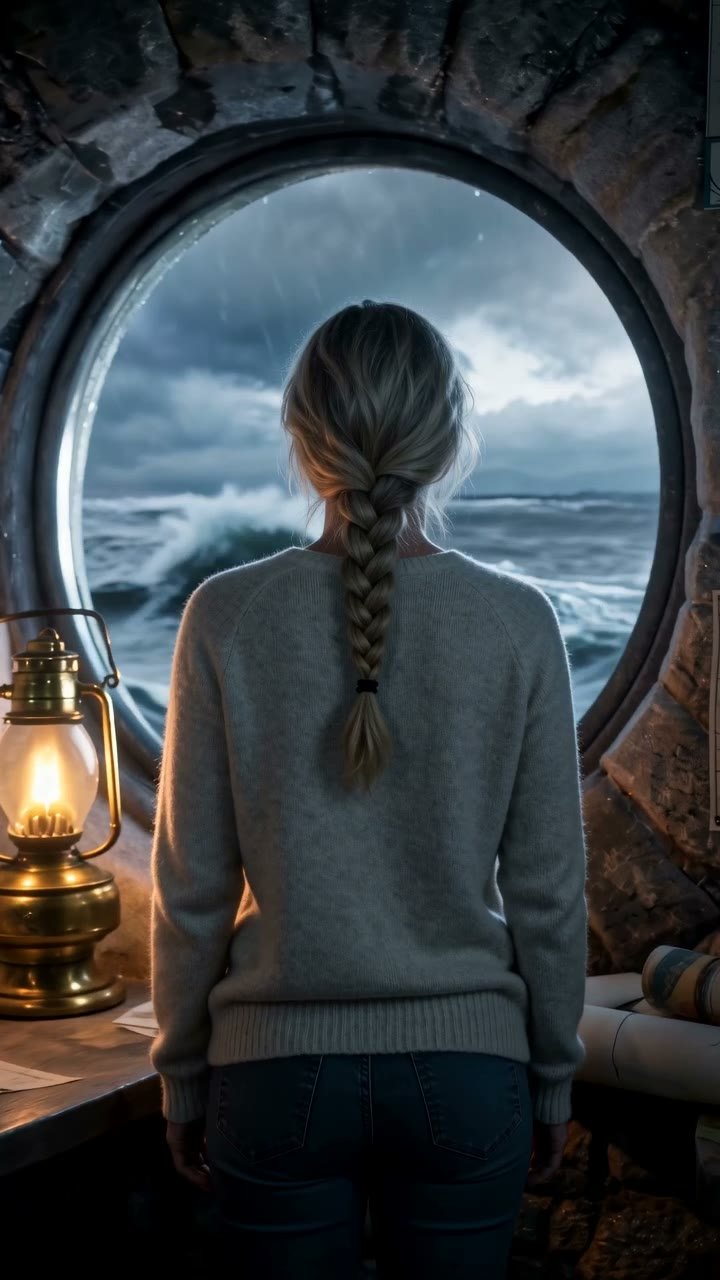
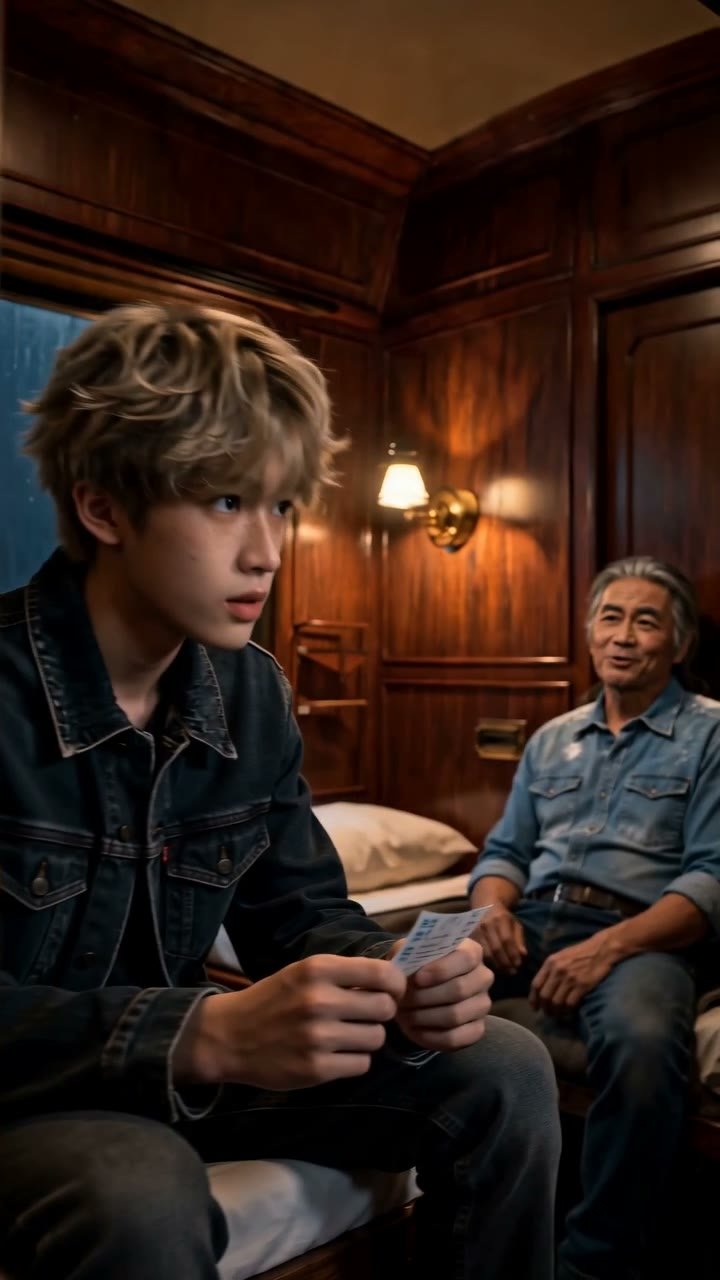

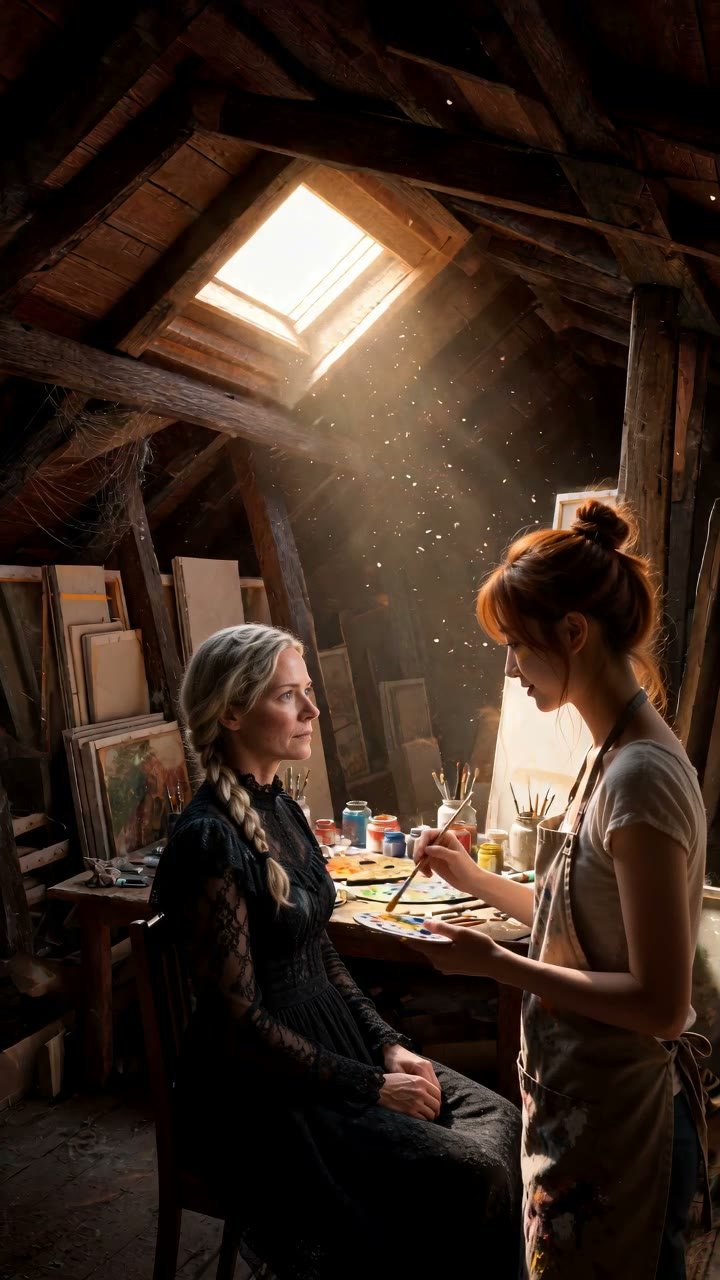
Generate a clean portrait
Ask for even lighting, a neutral background and a resting expression. The clearer the reference, the tighter the match in motion.
Fill the sheet's physical notes
Add bearing and speaking-style lines. These carry the parts of a character that a still image cannot encode.
Attach outfit and location references
In the scene composer, pair the character with a wardrobe item and choose a location so clothing and set stay fixed too.
Render and compare
Render a short scene, set it beside the portrait, and refine the reference if anything drifts. Then shoot the real scene.
Why characters drift in generated video
A video model given only text has to invent a face every time. Describe "a woman in her forties with grey-streaked hair" in two separate prompts and you will get two separate women, because nothing links the requests. The drift is not a bug in the model; it is the absence of a reference.
Prompt discipline helps a little and fails a lot. Copying the same long description into every scene reduces variance but does not remove it, and the description competes for attention with the action you actually want in the shot. People end up writing less about the scene to leave room for the face.
Reference images do the heavy lifting
Here every character has a stored portrait, and that portrait is passed to the video model as a reference image whenever the character is on the call sheet. The model is shown the face rather than told about it. Outfits and locations work the same way: a ghost-mannequin outfit image and a location image can be pinned alongside the portrait.
A render accepts up to 9 reference images. In a two-person scene that might be two portraits, two outfits, a prop and the location, with room to spare. The composer tallies them as you build the scene so you never find out at render time that a reference was dropped.
This is also why real-face uploads are refused: the reference mechanism is powerful enough that an uploaded photograph would reproduce someone's likeness reliably, and the studio is built to avoid that entirely.
Sheet text holds the parts a picture cannot
A portrait fixes the face but says nothing about how a person stands, speaks or treats other people. The character sheet covers that. Personality, speaking style and bearing are appended to every prompt, so Bastien stays laconic and slightly stooped whether he is in the boxing gym after hours or on a yacht's aft deck.
The world bible is appended as well, which keeps era and tone steady. If the bible says the story is set in a coastal town in the late 1970s with a wry tone, the model will not suddenly stage a scene with modern phones and a sombre mood because you forgot to say otherwise.
What stays consistent, and what to expect
Face, hairstyle, approximate age, skin tone and overall build hold closely across renders. Outfit holds when you attach an outfit reference; without one the model dresses the character plausibly but not identically. Bearing and manner hold through the sheet text. Location holds when a location image is attached.
What varies is what would vary on a real set: lighting, camera angle, the exact fall of fabric, the precise expression at a given moment. Fast camera moves or very wide framing can loosen the facial match; medium and close shots in 9:16 are the sweet spot, which suits short drama anyway.
Set expectations accordingly. The goal is a character an audience recognises instantly from episode to episode, not a frame-identical copy. Judged by that standard, the reference-plus-sheet approach is reliable enough to build a series on.
Habits that improve continuity
Generate portraits with neutral lighting and a plain background so the reference carries the face and nothing else. Attach an outfit to every scene where clothing matters to continuity. Keep the sheet's bearing note short and physical. And when a render drifts, fix the reference rather than the prompt; a better portrait improves every future scene, while a prompt tweak improves one.
For a long series, render a short standard scene of each character in their most common location early on and keep it as a visual baseline. Standard 720p is 6 credits per second, so a 5-second check costs 30 credits and saves many more later.
Questions people ask
Will my character's face be exactly the same in every clip?+
Closely the same, not pixel-identical. The portrait is attached as a reference on each render, which keeps face, hair, age and build steady while lighting, angle and expression respond to the scene.
Does the outfit stay consistent too?+
When you attach an outfit reference, yes. Without one the model dresses the character sensibly for the scene but may not repeat the same garment.
How many reference images go with each render?+
Up to 9, counting portraits, outfits, props and the location. The composer shows the running total as you add items.
Who owns the scenes I render here?+
Why can't I upload a photo to keep a real person consistent?+
Because the reference mechanism would reproduce that person's likeness, and the studio is built to keep real faces out. Characters are text-generated only, and any upload containing a face is refused.
Does cinematic tier improve consistency?+
Cinematic 1080p improves detail and image quality at 30 credits per second. Consistency comes from the references and sheet, which are the same at both tiers.
Keep the same face in every scene
Generate a portrait, fill the sheet, and render a scene that still looks like your character next week.
Open the cast studio