
An AI actor generator built for recurring roles
Generate an actor once, then book them for as many scenes as the story needs. The portrait is pinned to every render as a reference image, which is why the face you cast is the face that turns up.
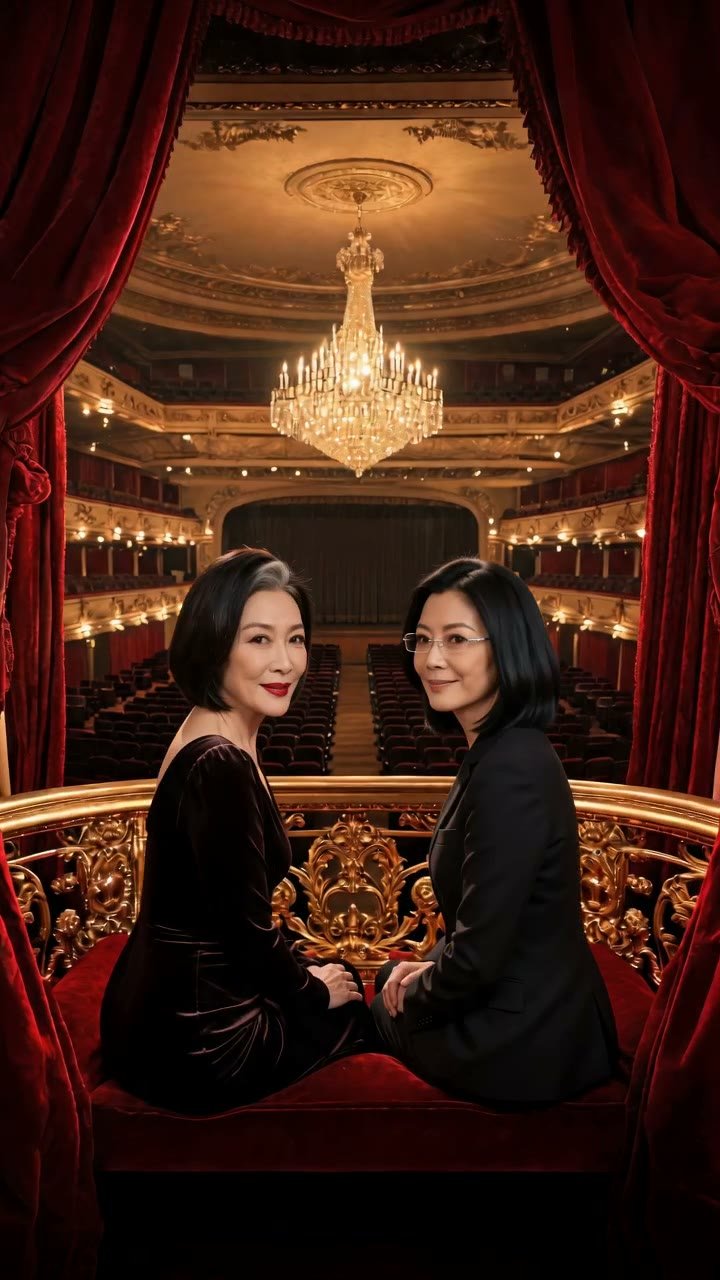
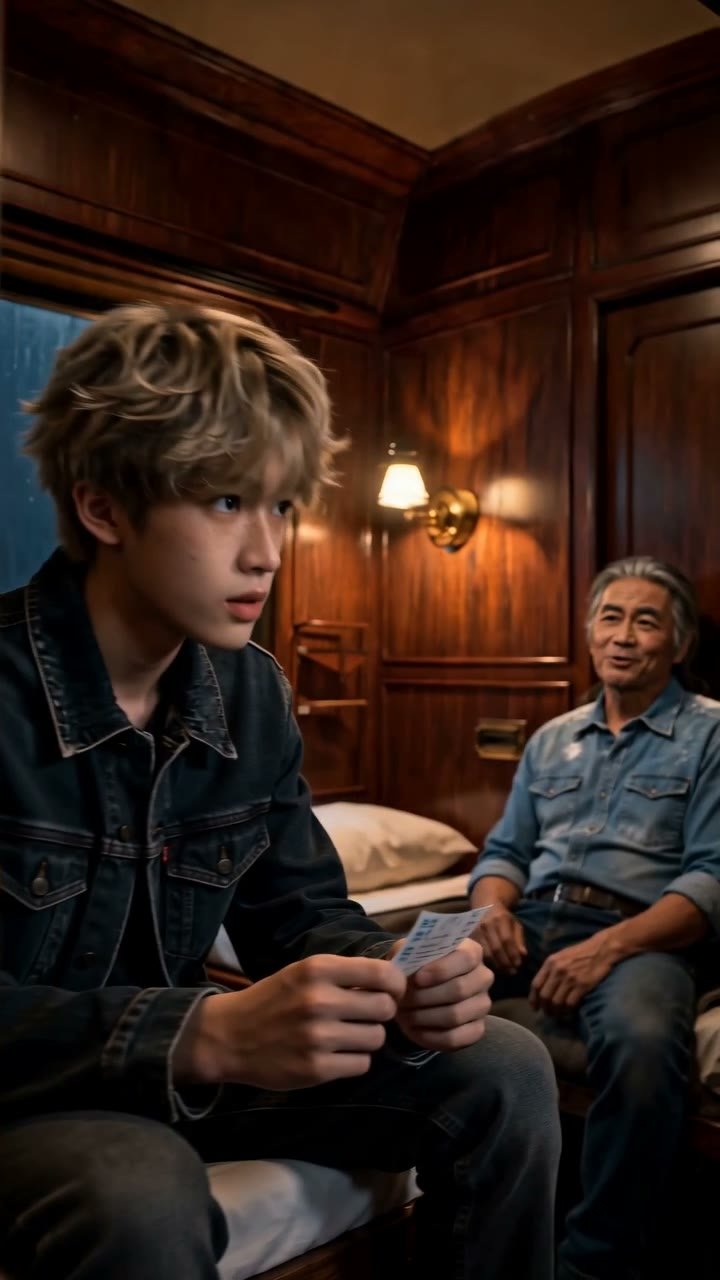

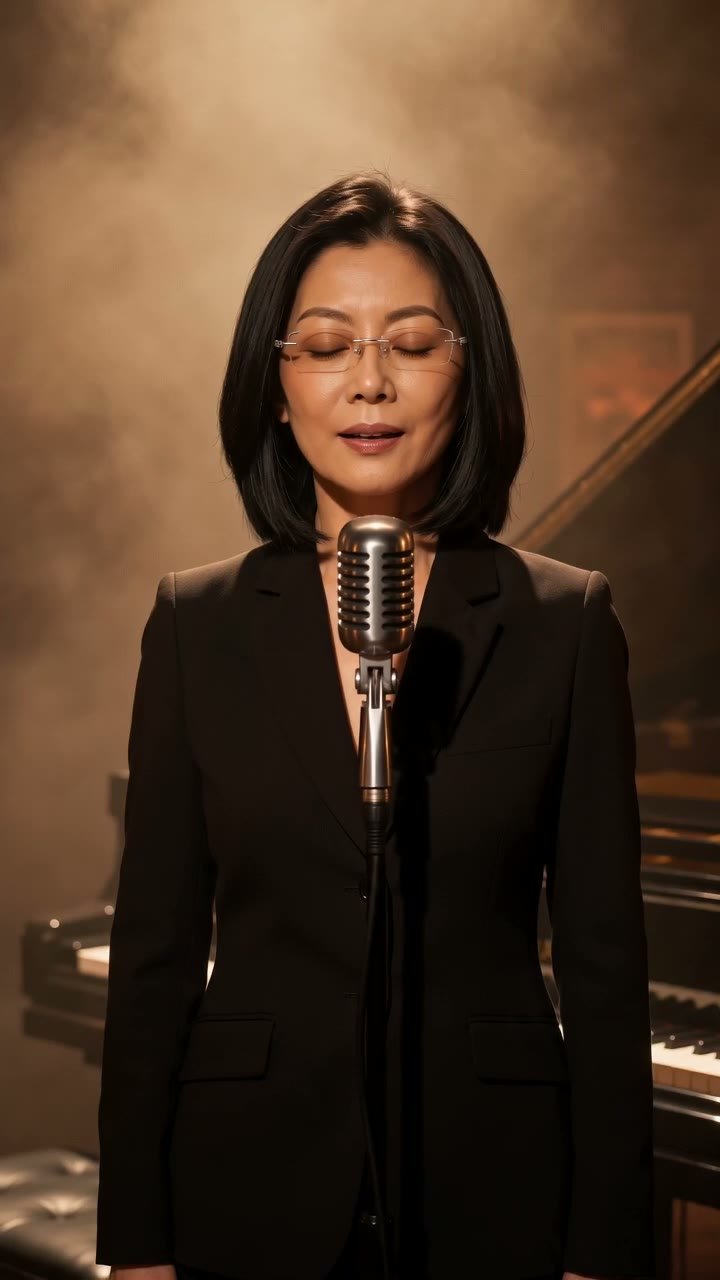
Describe the actor
Give age, build, complexion, resting expression and a line about how they carry themselves. Skip anything that references a real person.
Generate and audition
Spend 3 credits on the portrait, then render a short solo scene to see the face in motion before you invest in a full cast.
Lock in a voice style
Choose a voice descriptor for the actor in the scene composer and keep it the same across scenes so delivery stays recognisable.
Cast them repeatedly
Add the actor to new scenes from the cast picker. The portrait is attached as a reference each time; nothing needs re-describing.
What makes a generated actor reusable
An actor here is not a one-off image. It is a stored portrait plus a character sheet, and the portrait is sent as a reference image with every scene that actor appears in. The video model is told, in effect, "this is Idris; keep his face". That is the whole mechanism, and it is the reason recasting works without re-describing the person each time.
Up to 9 reference images ride with a render. A three-person scene with outfits and a location might use a portrait, an outfit and a prop for each actor plus the set. The composer counts them for you and warns if a combination goes over.
Actors are built from text. You describe the look and the generator returns a face you can audition. If the first result is close but the jaw is wrong or the age reads too young, regenerate for 3 credits and the sheet stays in place.
Auditioning a face before committing
The honest way to test an actor is to render a cheap scene. A 5-second standard scene costs 30 credits, so put the new actor alone in the archive stacks with one line of dialogue and watch how the face moves. If the stillness of the portrait does not survive motion, adjust the description and try again before building a cast around them.
Pay attention to expression range. A portrait generated as "always smirking" tends to smirk through a confession. Neutral or slightly guarded expressions give the scene model more room to act. You can always ask for a smirk in the scene prompt when it is wanted.
Why real faces are not allowed
You cannot upload a photograph and use it as an actor, and uploads of outfits, locations or props that contain a face are refused at the door. The reason is straightforward: a generated actor has no likeness rights attached to them, and a photographed one does. Keeping real faces out means every scene in the showcase can be published without anyone's permission being in question.
It also keeps the studio honest about what it is. These are synthetic performers. Their faces belong to no one, which is precisely what makes them yours to cast.
If you want an actor who resembles a type you have in mind, describe the type. Height, build, hair, complexion, age, posture, the kind of expression they wear at rest. The generator handles that well. It just will not copy a person.
Recasting and retiring actors
Sometimes a role outgrows its actor. You wrote Lucan as a music student and three scenes in he has become the lead. If the portrait no longer fits the part, generate a new one and swap it onto the same sheet; earlier renders keep the old face, new renders use the new one. Think of it as a recast between seasons.
Retired actors stay in the cast list unless you delete them. Keeping them is useful for flashback scenes or for a character who returns after an absence with the same face they left with.
Voice styles attach to the actor, not the scene
When you add an actor to a scene you can pick a voice style for them: descriptors like warm and unhurried, dry and precise, bright and quick. The style is a description that guides the spoken delivery; it is not a reproduction of any voice and cannot be trained on a recording. Set it once per actor and reuse it so the character sounds consistent across episodes.
The sheet's speaking-style note controls what the actor says; the voice style controls roughly how it is delivered. The two work together, and changing one without the other is a good way to make a familiar actor feel subtly off, which is occasionally exactly the effect a scene wants.
Questions people ask
Will the actor look identical in every scene?+
The portrait is sent as a reference on every render, so the face, hair and general bearing hold closely. Lighting and angle vary with the scene, as they would on any set, and extreme camera moves can loosen the match.
Can I generate an actor who looks like a celebrity?+
No. Descriptions that name or clearly target a real person are not supported, and uploaded faces are refused. Describe a type instead and let the generator produce someone new.
How many actors can appear in one scene?+
Up to 3. Each can carry an optional outfit, prop and voice style, and the total number of reference images per render is capped at 9.
Who owns an actor I generate?+
Is the voice style copied from a real voice?+
No. Voice styles are written descriptors such as low and measured or quick and warm. They steer delivery; they do not reproduce any particular person's voice.
What happens to old scenes if I recast an actor?+
Nothing. Scenes already rendered keep the face they were rendered with. Only new renders use the updated portrait.
Generate an actor you can book again
Two free credits are waiting on sign-in. Describe a performer, audition the face, and start casting.
Open the cast studio